Shopping for a programmer can mean choosing something for focused work, clearer calls, or a more comfortable desk setup.
These 9 gift ideas span daily-use accessories and larger workstation upgrades, with compatibility checks especially useful for gear that connects to a computer.
9 Gift Ideas for Programmers
FIFINE T669 USB Condenser Microphone Kit
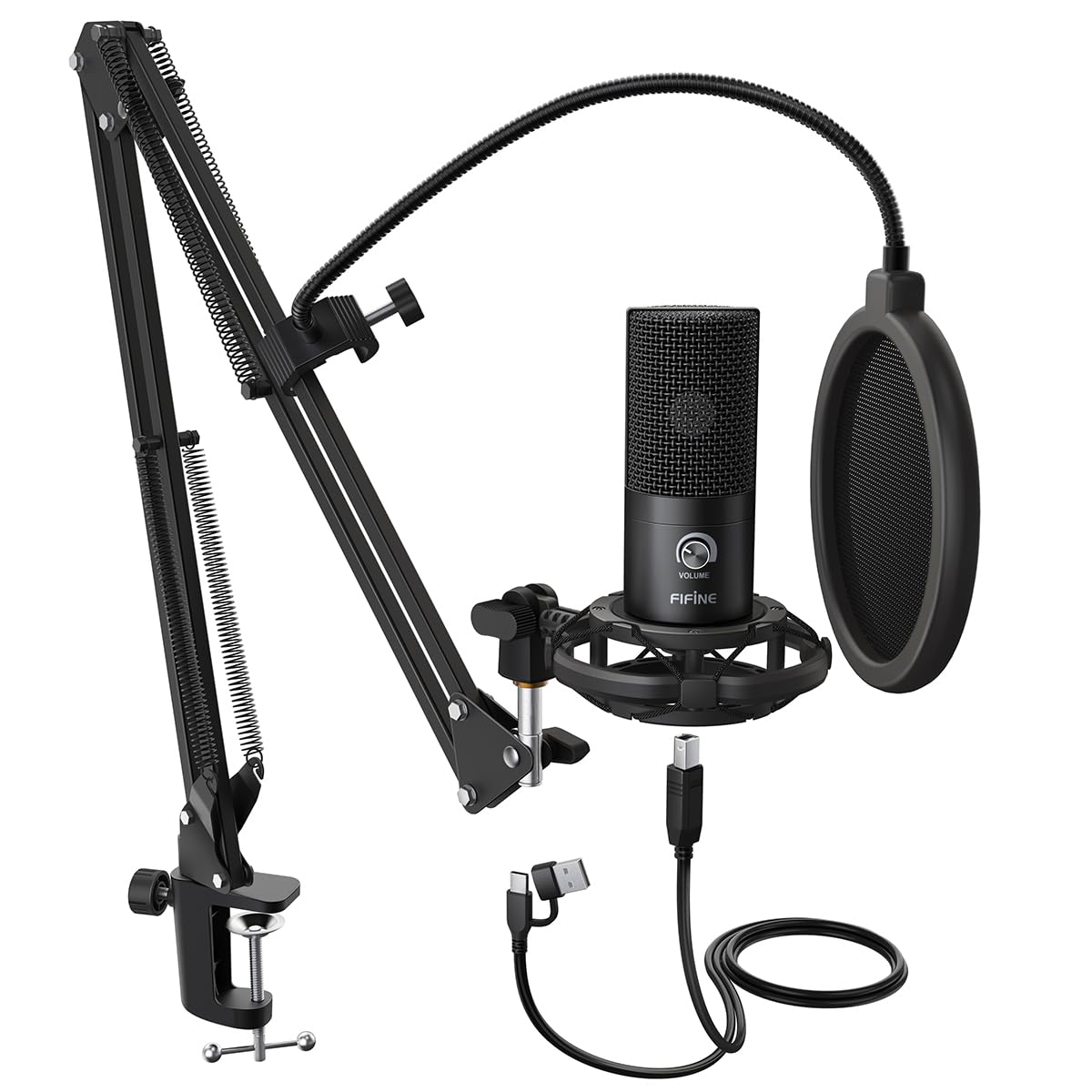
- Connects directly to a PC or laptop for recording vocals and podcasts.
- The cardioid capsule captures sound from the front and helps avoid ambient noise.
- Includes a boom arm stand and double pop filter.
Best Gift For: A programmer who records podcasts, voiceovers, or computer audio at home.

JLab Go Work Wireless Headset (1 Pack)
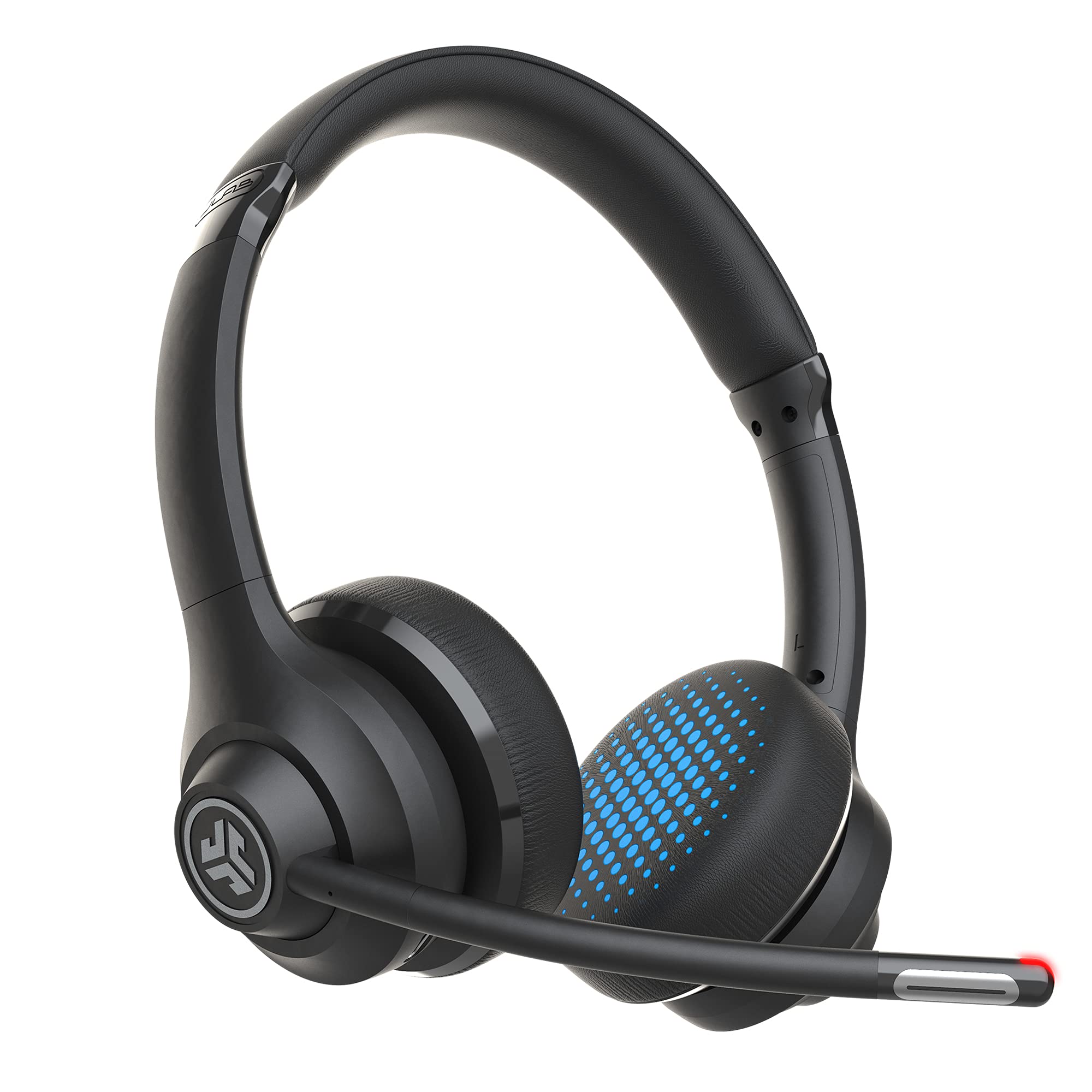
- Bluetooth multipoint connects to two devices at once.
- The boom microphone rotates up for listening and down for calls.
- Includes a cable for wired use as well as wireless connectivity.
Best Gift For: A programmer who moves between computer work and calls on a mobile device.
SteelSeries Apex Pro TKL Gaming Keyboard
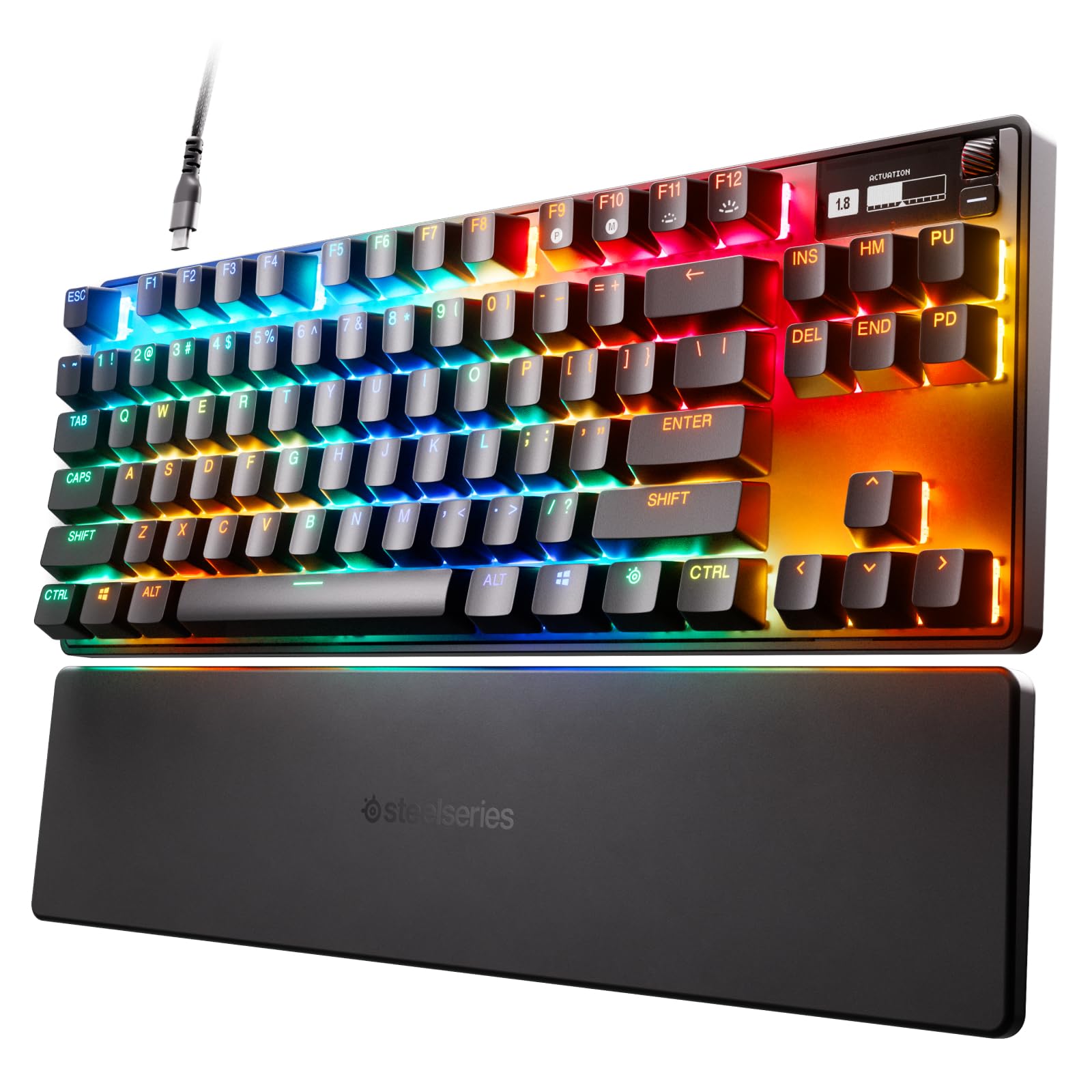
- Offers adjustable actuation across 40 levels for per-key tuning.
- Can assign two different actions to one key.
- Has a detachable USB-C connection and an aluminum top plate.
Best Gift For: A programmer who enjoys tuning a compact keyboard for gaming and everyday computer use.
Nulaxy Pull-Out Height Adjustable Laptop Stand
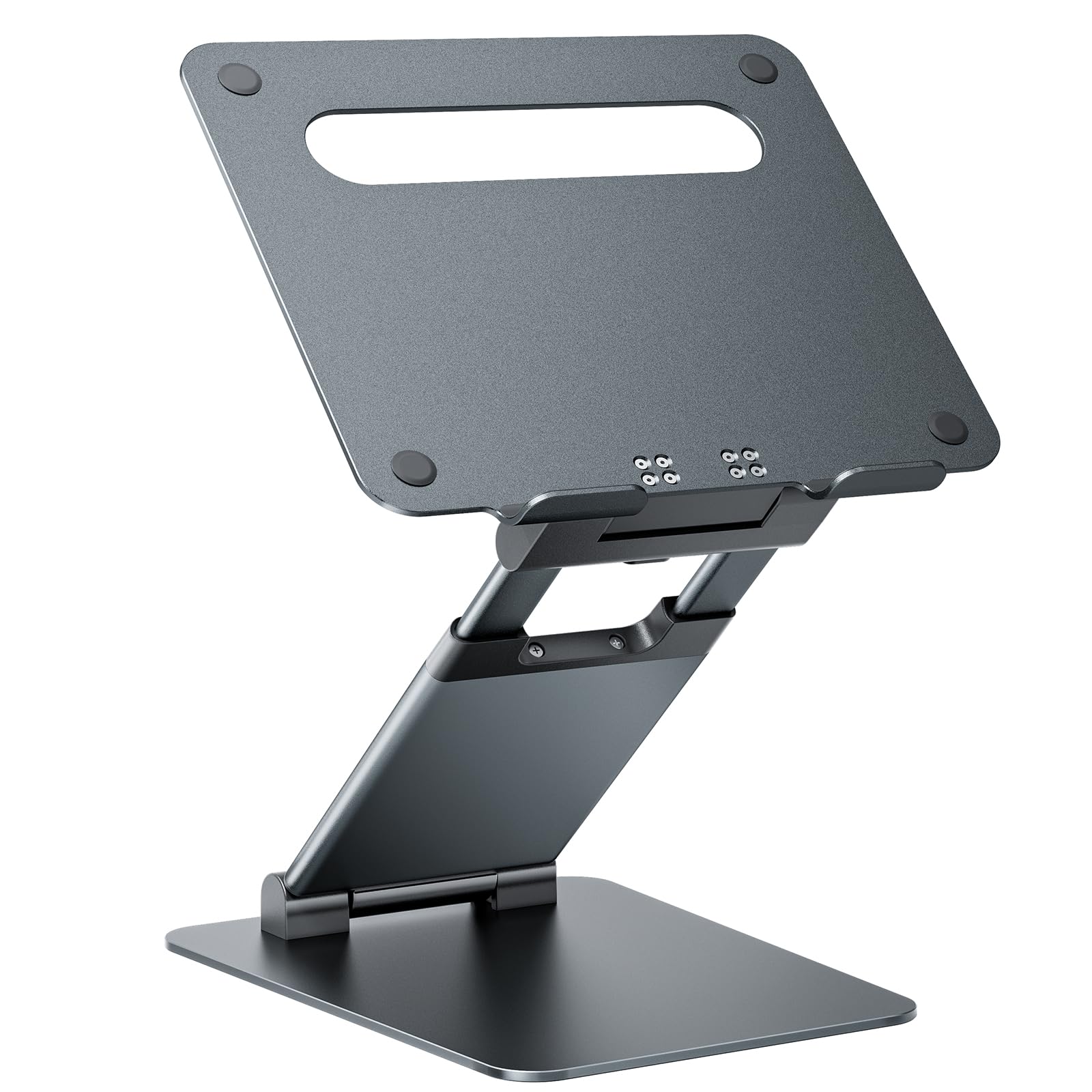
- Adjusts the screen height for seated or standing work.
- Folds for compact storage and portability.
- Supports up to 22 lbs (10kg).
Best Gift For: A programmer who switches between sitting and standing at a desk.
SteelSeries Aerox 3 Wireless Gaming Mouse
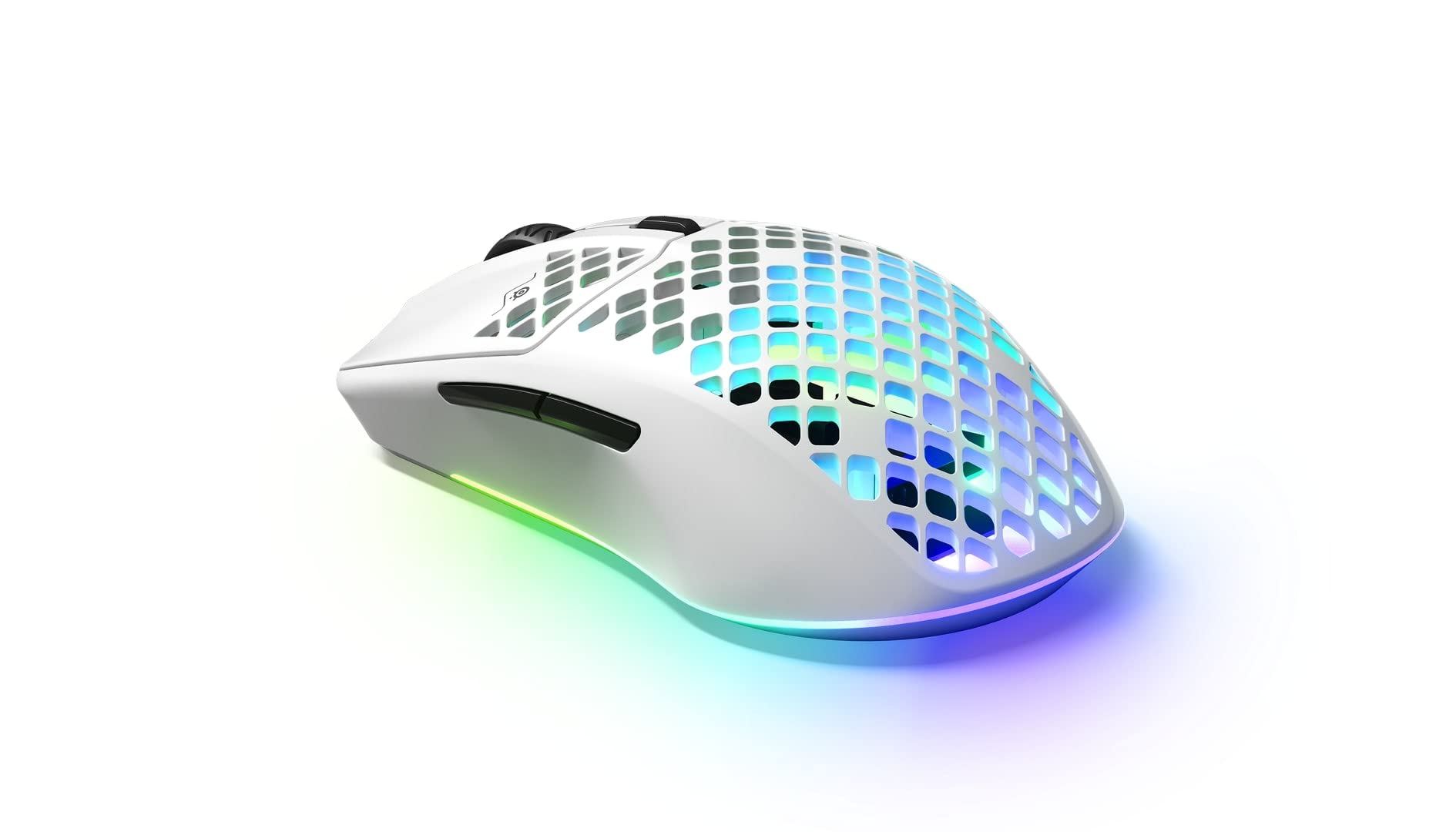
- Uses a wireless connection with 2.4GHz and Bluetooth 5.0 options.
- Has a three-zone RGB lighting system with configurable colors.
- The shell is designed with openings to reduce weight to 68g.
Best Gift For: A programmer who also enjoys wireless PC gaming and customizable lighting.
HUANUO FlowLift Dual Monitor Stand
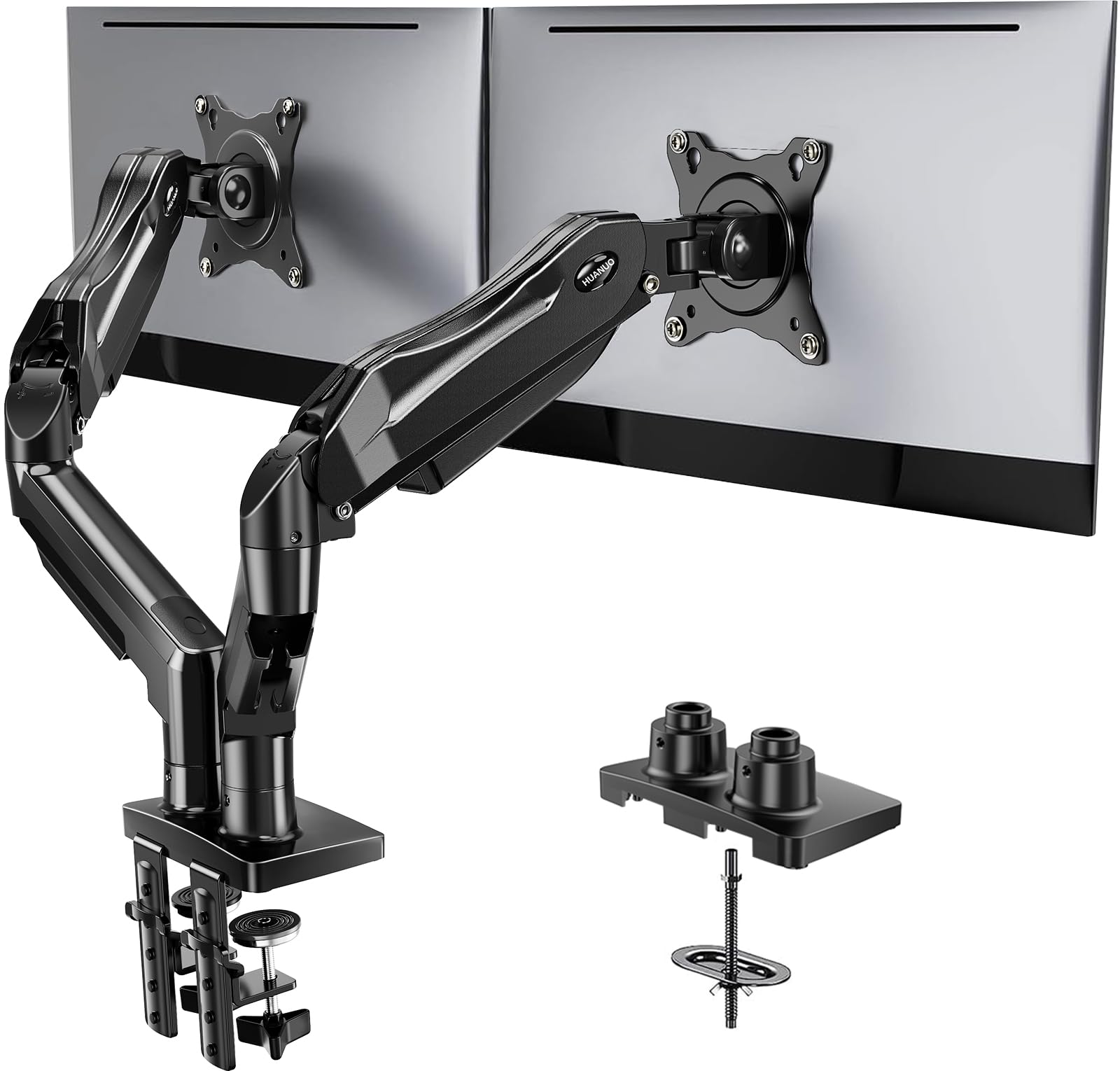
- Fits computer screens from 13 to 32 inches, with each arm holding 4.4 to 19.8 lbs and VESA mounting holes at 75x75mm or 100x100mm.
- Provides tilt, swivel, and rotation adjustments for screen positioning.
- Includes cable management along the arms.
Best Gift For: A programmer with two compatible monitors and a suitable wooden desk.
TP-Link Archer AXE75 WiFi 6E Router
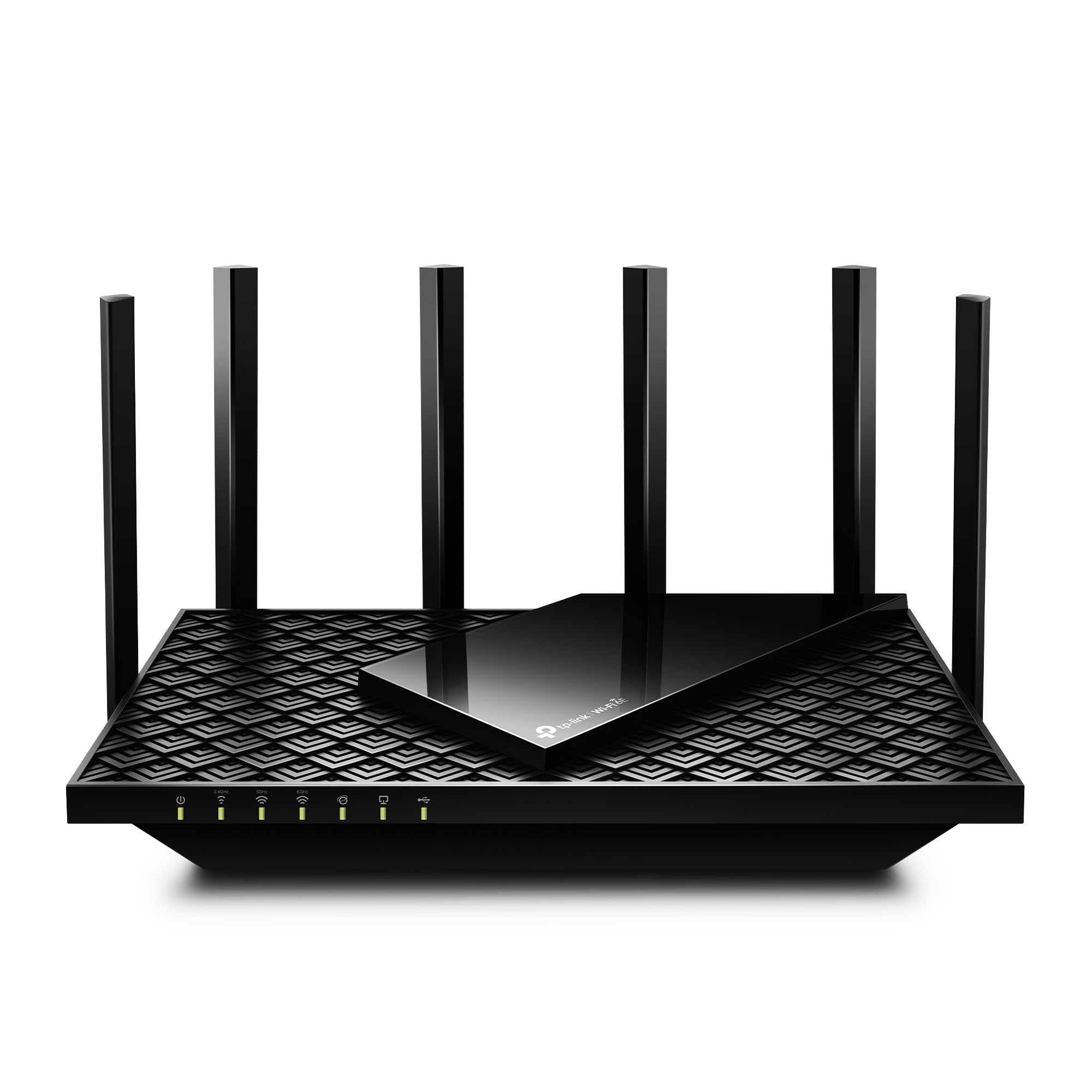
- Tri-band WiFi 6E supports simultaneous browsing, streaming, gaming, and downloads.
- The 6 GHz band is designed for more responsive gaming and video chatting.
- Supports OneMesh with a TP-Link OneMesh Extender.
Best Gift For: A programmer upgrading a home network for simultaneous work, streaming, and gaming.
SABRENT USB-C 6-Port Hub & M.2 SSD Dock
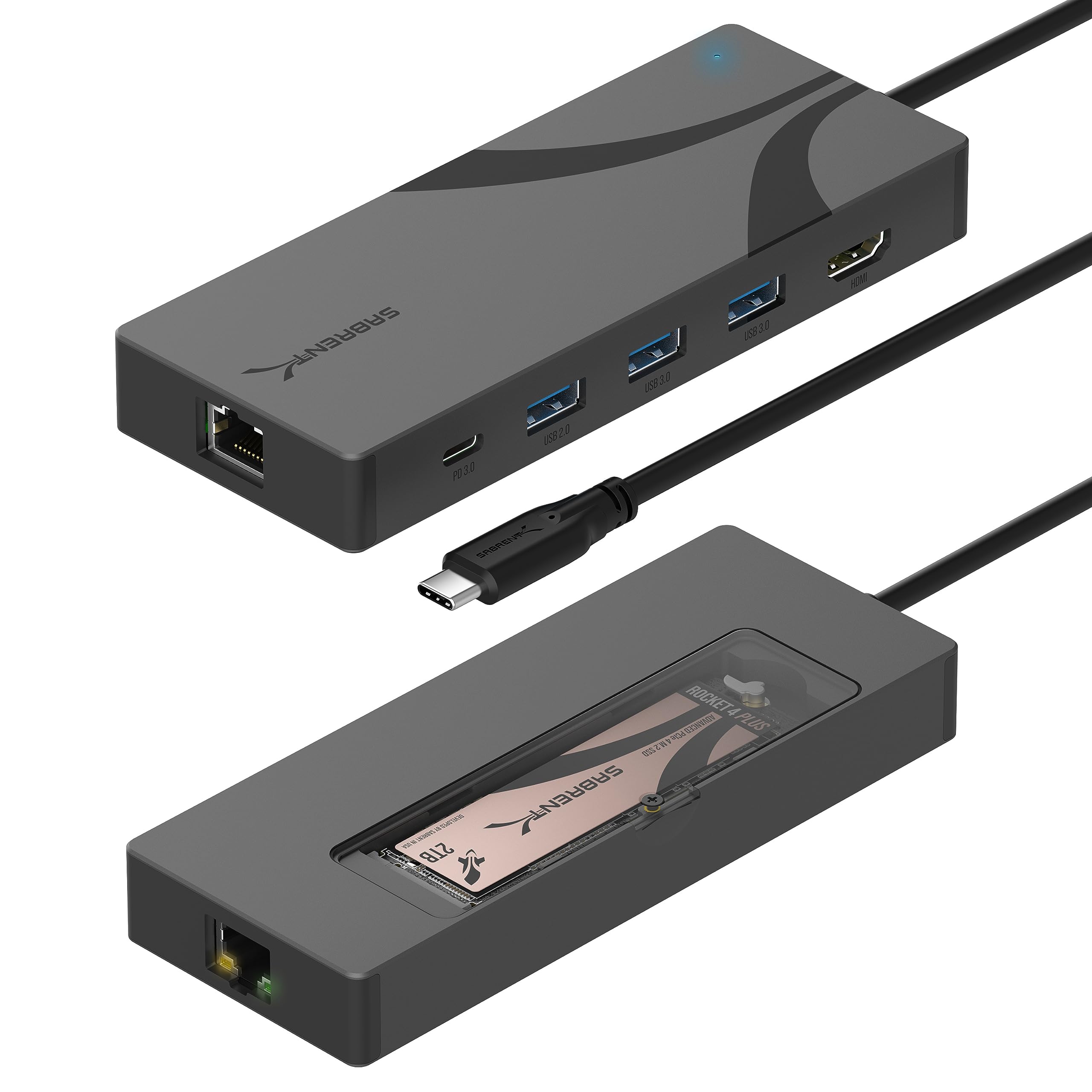
- Adds USB ports, power delivery, networking, and an M.2 slot.
- Provides HDMI output for an external display at up to 4K@60Hz.
- Supports M.2 SATA or NVMe SSDs in 2242, 2260, and 2280 form factors.
Best Gift For: A programmer who wants extra ports, display connectivity, or portable storage options.
SABRENT SuperSpeed USB 3.0 Card Reader
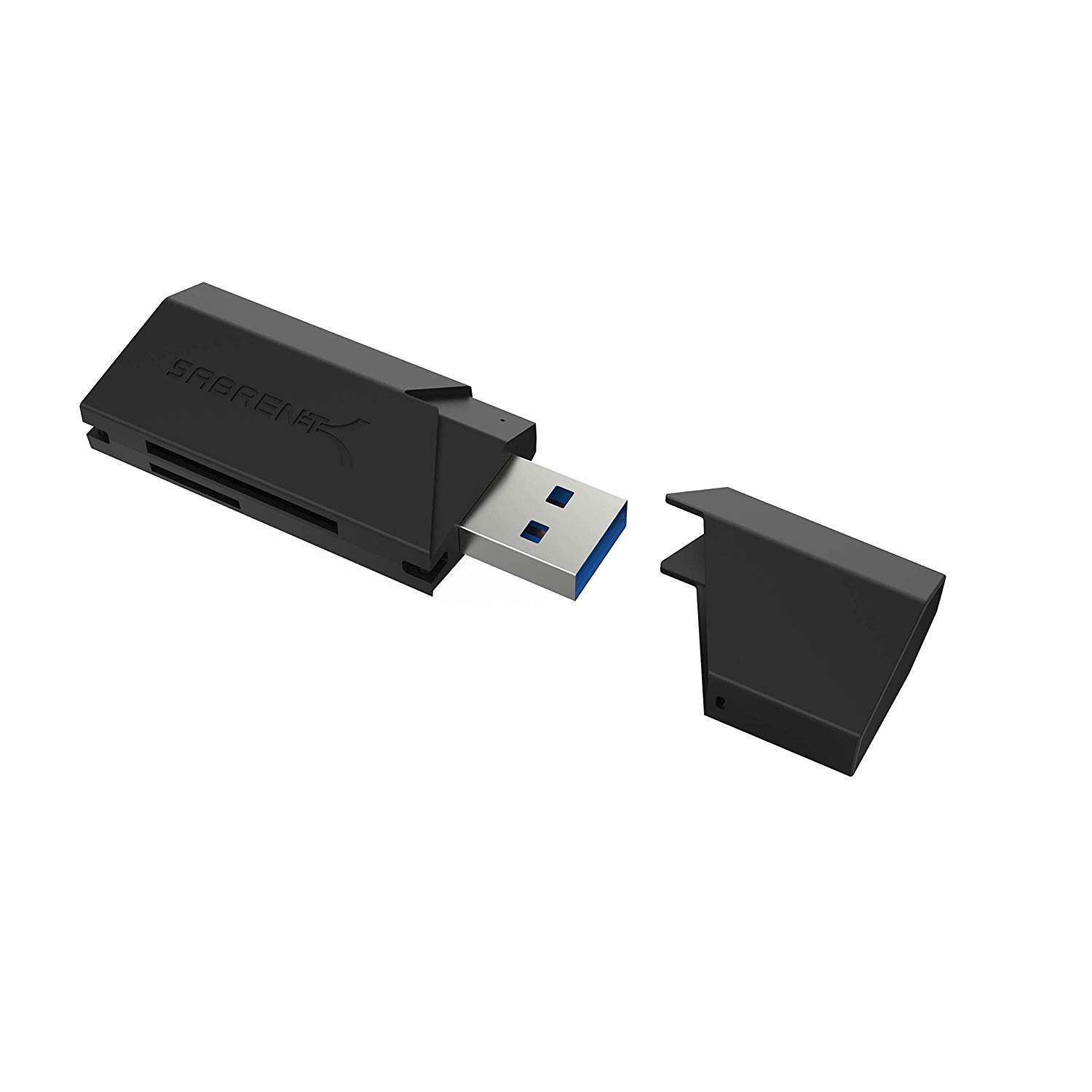
- Supports SD, SDHC, SDXC, MMC, MicroSD, and T-Flash formats.
- Works with USB 3.0 and is backward compatible with USB 2.0 hosts.
- Gets power through the USB port without a separate supply.
Best Gift For: A programmer who transfers files from compatible memory cards to a computer.
Choosing gifts for programmers that suit their routine
Start with the recipient’s actual work pattern. Someone who spends most of the day at a desk may appreciate a change to the workspace, while a person moving between calls and devices may use audio gear more often.
Think about what they mention wanting to improve, rather than assuming every programmer needs the same setup.
Consider what their computer and desk can support before choosing equipment that attaches or connects. Check ports, operating system compatibility, monitor mounting holes, screen size and weight, and desk construction when those details apply.
A quick look at the existing setup can help avoid a gift that needs extra adapters or does not fit.
For gifts for programmers, usefulness often comes from matching one small frustration: a crowded desk, too few connections, or an awkward call setup. If you are unsure, choose an accessory with a clear everyday role, or ask a trusted friend or colleague about the recipient’s setup without spoiling the surprise.
Balance the budget with the whole setup
Set a comfortable budget before comparing options, then consider whether the item is ready to use on its own. A desk accessory may require compatible equipment, and a connectivity upgrade may depend on devices the recipient already owns.
The purchase price is only one part of whether the gift makes sense.
A modest accessory can be a thoughtful choice when it solves a specific task, such as reading a memory card or connecting a peripheral. Higher-cost gear may suit a recipient who has talked about a particular upgrade, but avoid paying for features they are unlikely to use.
Check current prices and the details relevant to their setup before ordering.
When you are choosing among gifts for programmers, think about the cost of any companion items or adapters, and whether the recipient already has something similar. A clear, well-matched gift is usually easier to appreciate than a larger purchase that creates compatibility questions or adds clutter.
Personalize gifts for programmers around their workspace
For a personal touch, connect the gift to how the recipient spends time: home calls, a shared workspace, gaming after work, or a more organized desk. You can add a short note explaining why you picked it, such as remembering a conversation about making a workspace easier to use.
This keeps the gesture specific without needing to customize the device itself.
Presentation can stay simple. Pair a desk or computer accessory with a handwritten card, or wrap a compact item in a way that hints at its use.
If you are combining gifts, make sure the accessories work together and avoid adding unrelated extras simply to make the package look larger.
The best personalization for gifts for programmers is often practical and considerate. If you are unsure of a model, connector, or mounting setup, include a gift receipt or choose a flexible option.
That gives the recipient room to check fit and make an exchange if their setup calls for something different.
Choose by interest, not job title alone
A programmer’s interests outside work can guide the decision as much as their desk. They may enjoy gaming, recording a podcast, video calls with friends, or simply having a comfortable place to work.
Let a known hobby or a problem they have mentioned shape the choice instead of leaning on job stereotypes.
Shared workspaces and home offices also call for different considerations. Someone working in a small room may value compact gear or a tidier surface, while a person with a dedicated setup might welcome a more substantial workstation change.
Consider how much space they have and whether they prefer to choose their own equipment.
If the recipient has a particular brand, device, or workflow they already favor, verify compatibility before buying. A gift that fits into existing habits is easier to use than one that asks them to change their setup.
When their preferences are hard to read, keep the selection simple and include a note that makes the thought behind it clear.
Last-minute advice for gifts for programmers
For a last-minute choice, prioritize items with a straightforward role and confirm the important details before checkout. Check current product information, connection types, dimensions, compatibility, and delivery estimates.
Do not rely on assumptions about a recipient’s computer, network, desk, or accessories when the item depends on them.
If you cannot confirm whether a device will fit, consider a gift receipt or an alternative that does not depend on a specific configuration. A short note can make even a practical item feel considered; mention the routine or interest that brought it to mind, rather than making promises about what it will fix.
Leave time to review the final order details, especially the selected model or bundle and the address. These gifts are most satisfying when they slot naturally into the recipient’s daily routine.
A useful choice, thoughtfully presented, can feel personal even when you make it close to the occasion.