This Kodak Step photo printer review looks at a compact way to turn phone pictures into small, sticky-back prints. Its portable design and editing app suit casual crafting and on-the-go photo sharing.
KODAK Step Review Summary
The quick verdict
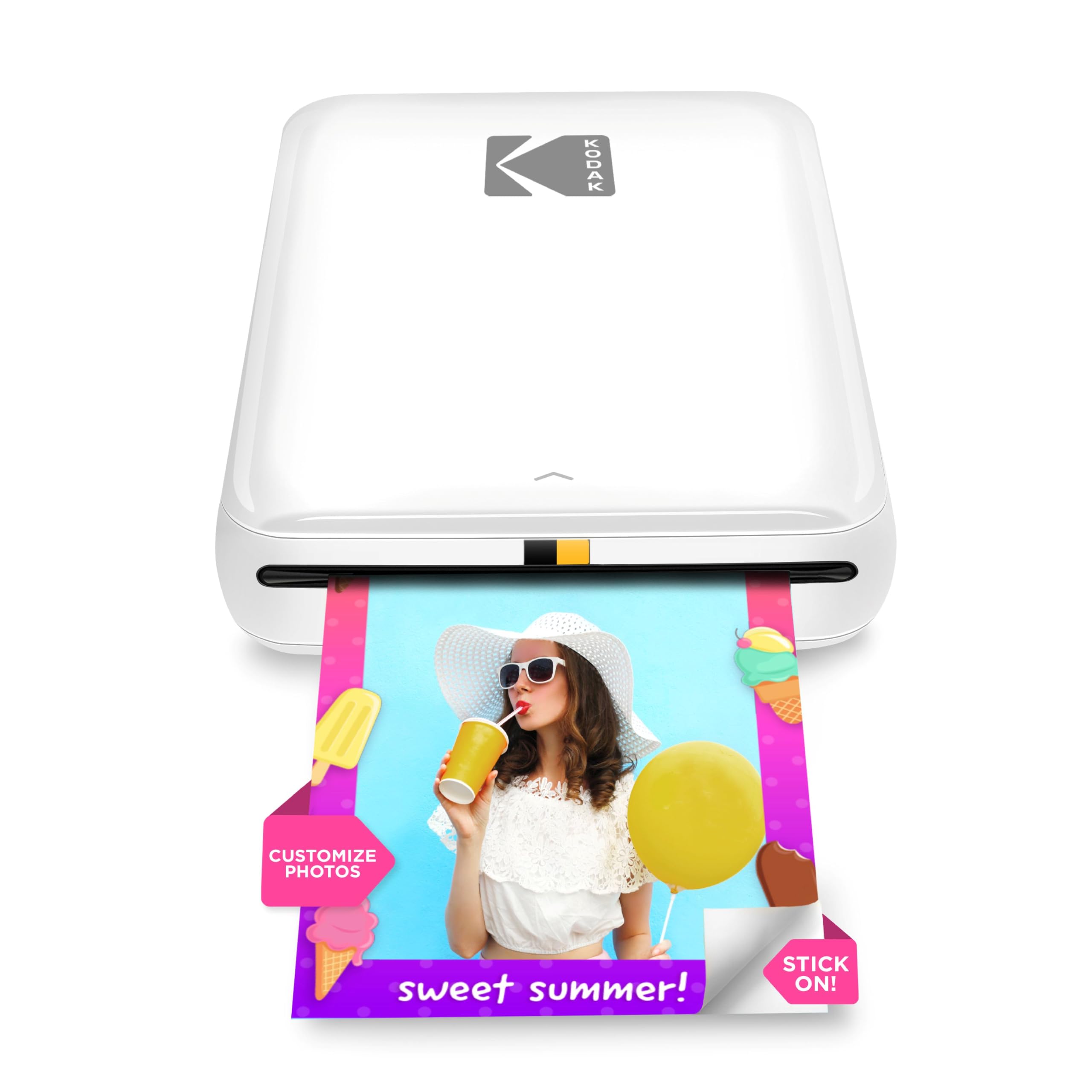
20,000+ ratings
Read Amazon ReviewsKODAK Step
A compact phone photo printer for people who want small, peel-and-stick prints with app-based editing for scrapbooks, crafts, and sharing.
- Prints 2-by-3-inch ZINK photos on sticky-back paper.
- Pairs with iOS or Android devices through Bluetooth or NFC.
- Uses ZINK zero-ink printing, eliminating separate ink, toner, and ribbon supplies.
- Edits photos in the KODAK app with filters, borders, stickers, text, and collage tools.

Pros
- Small, sticky-back prints work naturally for scrapbooks and personal crafts.
- Bluetooth and NFC offer flexible phone pairing options.
Consider before buying
- The 2-by-3-inch output is a small keepsake format, so it is a poor fit when you need larger photographs.
- Plan print sessions around the battery’s rated 25-photo capacity per full charge.
Read the full review summary
The KODAK Step is a pocket-sized printer for phone photos, pairing with iOS or Android through Bluetooth or NFC.
Its ZINK process uses embedded dye crystals on 2-by-3-inch sticky-back paper, so there are no ink cartridges, toner, or ribbons to manage.
That makes it a convenient fit for snapshots, scrapbook pages, and small personal projects rather than large prints.
The strongest reason to consider it is the combination of portable printing and in-app personalization: the KODAK app can add filters, borders, stickers, text, and collages before printing.
A rechargeable battery is rated for 25 photos per full charge, making the printer useful for short outings or craft sessions when a wall outlet is inconvenient.
The buying factors
KODAK Step Scorecard
Editorial scores reflect listed features and buyer fit; they are not laboratory measurements or customer ratings.
Phone pairing
Bluetooth and NFC pairing with iOS or Android gives the printer more than one supported connection route for compatible phones.
Print format
The 2-by-3-inch sticky-back format is practical for small keepsakes and craft projects, though it is inherently a small-print choice.
Ink-free workflow
ZINK printing avoids separate ink, toner, and ribbon supplies, which keeps the printing setup simple.
Editing tools
The app supports collages and several ways to customize photos, which adds creative flexibility before printing.
Portability
A palm-sized design weighing less than a pound is easy to plan around for travel or crafting away from home.
Battery capacity
The rechargeable battery supports up to 25 photos per full charge, a useful allowance for casual sessions but one to keep in mind for longer batches.
Key Features and Specifications of KODAK Step
- Prints 2-by-3-inch ZINK photos on sticky-back paper.
- Pairs with iOS or Android devices through Bluetooth or NFC.
- Uses ZINK zero-ink printing, eliminating separate ink, toner, and ribbon supplies.
- Edits photos in the KODAK app with filters, borders, stickers, text, and collage tools.
- Rechargeable lithium-ion battery is rated for 25 photos on a full charge.
- Palm-sized and weighs less than a pound.
- Prints are described as resistant to moisture, rips, tears, and smudges.
Pros and Cons of KODAK Step
Pros
- Small, sticky-back prints work naturally for scrapbooks and personal crafts.
- Bluetooth and NFC offer flexible phone pairing options.
- The editing app provides several ways to personalize prints before printing.
- ZINK printing avoids managing ink, toner, or ribbon replacements.
- Its portable form and rechargeable battery make it suitable for printing away from a desk.
Consider before buying
- The 2-by-3-inch output is a small keepsake format, so it is a poor fit when you need larger photographs.
- Plan print sessions around the battery’s rated 25-photo capacity per full charge.
- For frequent travel use, check whether the included starter paper supply suits your first printing session.
Who Should Buy KODAK Step?
Good fit
Buy the KODAK Step if you want small, peel-and-stick phone photos for journals, scrapbooks, or casual sharing. Its compact build and phone connectivity make printing more spontaneous than sending images to a full-size printer.
It also suits people who like to decorate images before printing. The app’s collage, filter, border, sticker, and text options give casual crafters several ways to make a photo feel more personal.
Who should skip it
Skip it if your main goal is larger photo prints: the Step is built around a 2-by-3-inch paper format.
Choose another workflow if you expect to print substantially more than 25 photos in a session without access to charging, since that is the stated full-charge capacity.
KODAK Step: What Its Pocket-Print Design Means
A format for keepsakes and crafts
The Step’s 2-by-3-inch output is best understood as a personal-photo format.
Sticky backing makes prints easy to place in a scrapbook or on a display surface, while the compact size keeps the printer oriented toward quick mementos instead of large framed images.
A phone-first printing routine
Bluetooth or NFC pairing lets a compatible phone send images directly to the printer.
The companion app adds a small editing step before output, useful when a photo needs a border, sticker, caption, or collage treatment rather than a straight print from the camera roll.
Portability comes with session planning
The printer’s palm-sized design and rechargeable battery support portable use, but the rated capacity is 25 photos per full charge.
That makes it sensible to start a trip or craft session charged and to treat it as a small-batch device rather than assume it will cover an extended print run.
ZINK keeps supplies simpler
Because ZINK printing does not require ink, toner, or ribbons, the consumable routine is different from a conventional inkjet printer. You still need the compatible sticky-back photo paper, so keep paper supply in mind when planning regular use.
Alternatives to KODAK Step
Sticker-print alternative
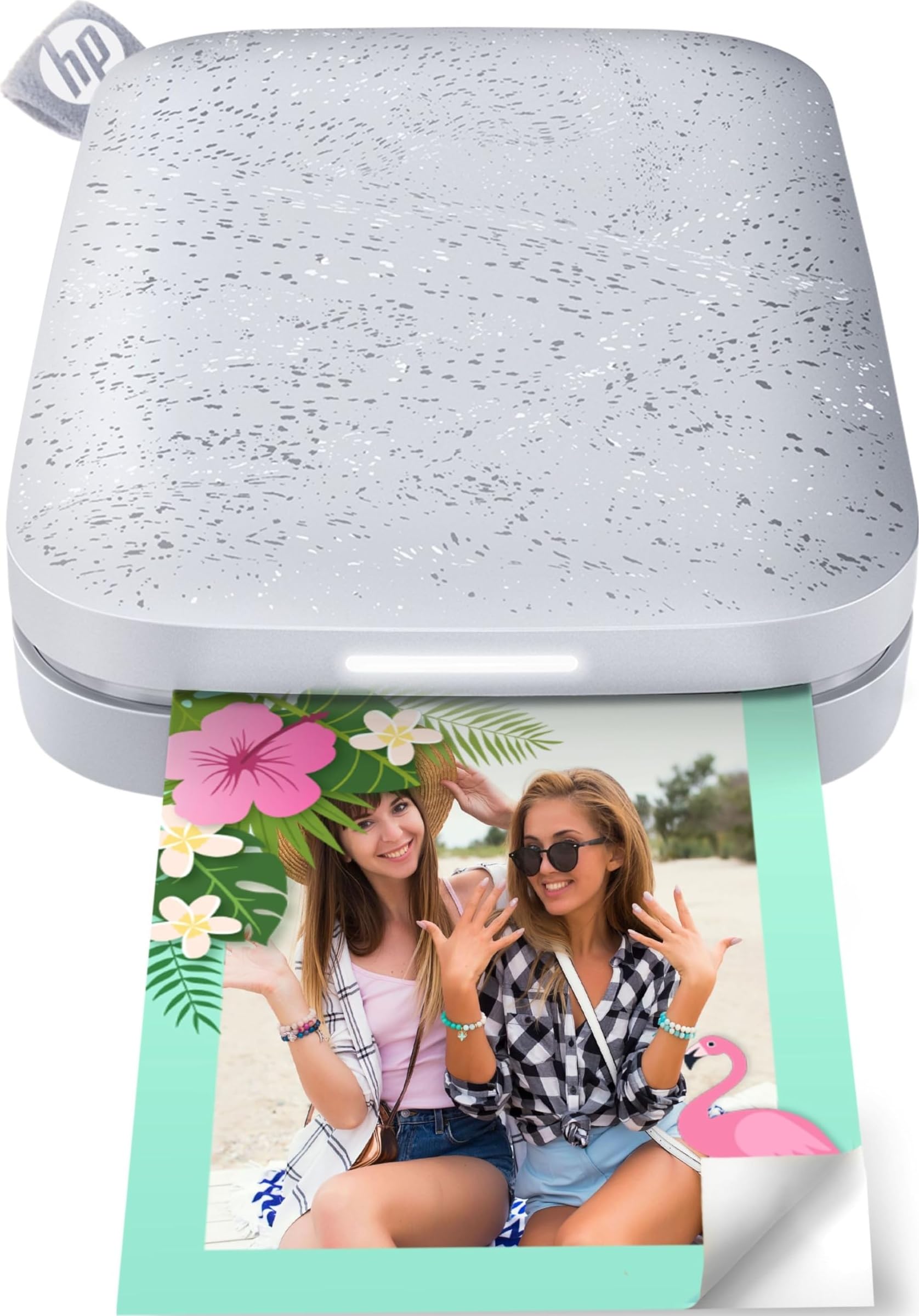
25,000+ ratings
Read Amazon ReviewsHP Sprocket Portable Photo Printer (2nd Edition)
Choose the HP Sprocket 2nd Edition if several people may send photos to the printer or you value its connected standby design. Choose the KODAK Step if its Bluetooth-or-NFC pairing and simple 2-by-3-inch sticky-back format meet your needs.
- The HP Sprocket Portable Photo Printer (2nd Edition) also prints 2-by-3-inch sticky-backed photos from a phone.
- It can connect multiple devices at once, and its Bluetooth 5.0 with sleep mode is designed to stay connected between prints.
- The KODAK Step offers 2-by-3-inch sticky-back phone prints and supports Bluetooth or NFC pairing, making it a close match for compact personal photos.
Sticker-print alternative
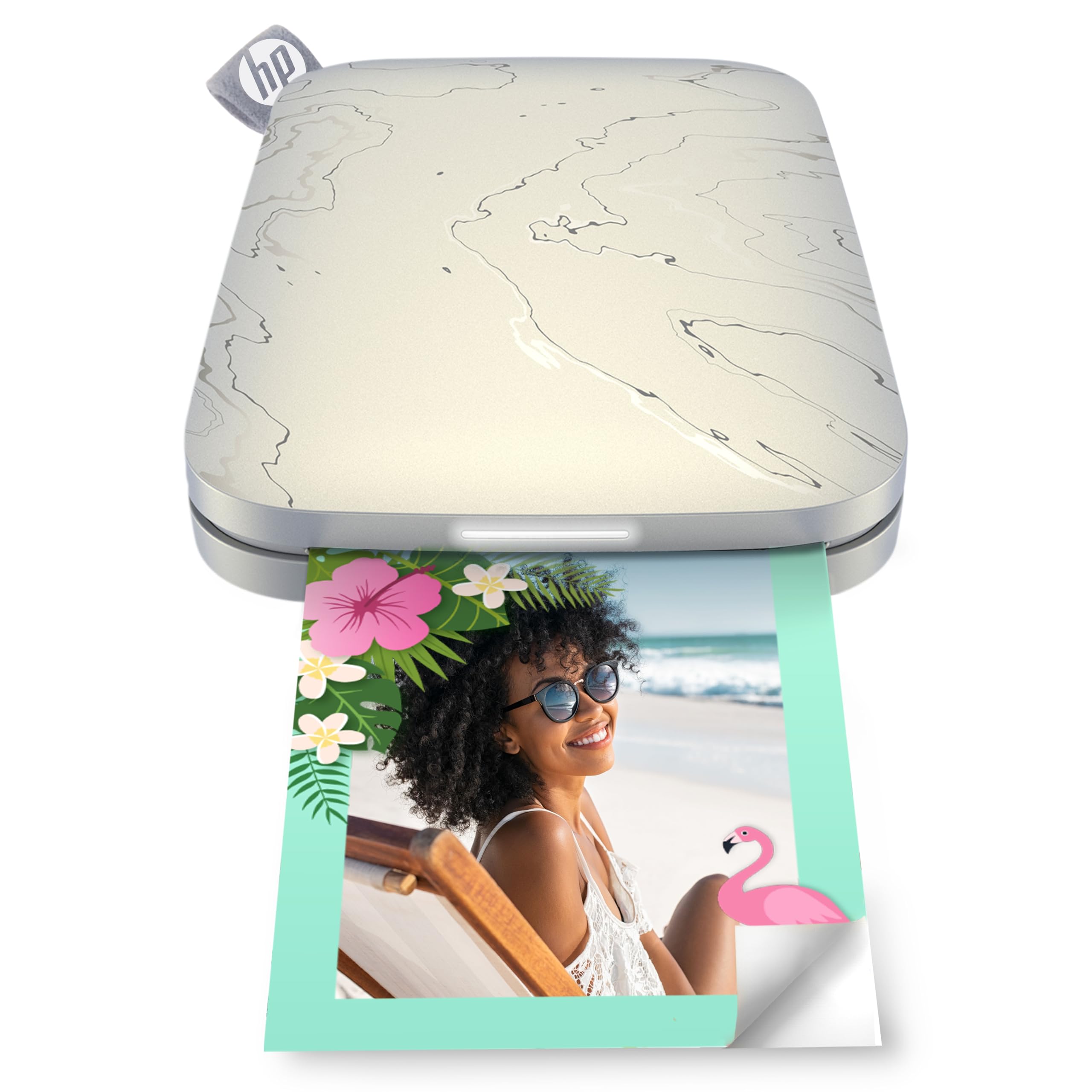
25,000+ ratings
Read Amazon ReviewsHP Sprocket Select
Choose HP Sprocket Select if the larger 2.3-by-3.4-inch print format is more useful to you and its Bluetooth 5.1 phone connection fits your setup.
Choose the KODAK Step if you prefer its 2-by-3-inch paper size and Bluetooth or NFC pairing.
- HP Sprocket Select is a portable phone printer for 2.3-by-3.4-inch ZINK sticky-back photos and connects over Bluetooth 5.1. Its app includes editing tools such as frames and filters.
- KODAK Step makes small sticky-back prints on 2-by-3-inch ZINK paper and connects to compatible phones through Bluetooth or NFC.
Is KODAK Step Worth It?
The KODAK Step is worth considering if you want an easy phone-to-print route for small, sticky-back photos and value editing tools for quick personal projects.
ZINK printing avoids ink, toner, and ribbon supplies, while the rechargeable design supports printing away from home.
It is a better match for keepsakes, scrapbooking, and casual sharing than for larger prints or long sessions away from charging.
If that small-format, small-batch role matches how you take photos, the Step offers a focused portable-printer setup with useful creative options.
Your review at a glance
20,000+ ratings
Read Amazon ReviewsKODAK Step
A compact phone photo printer for people who want small, peel-and-stick prints with app-based editing for scrapbooks, crafts, and sharing.
- Prints 2-by-3-inch ZINK photos on sticky-back paper.
- Pairs with iOS or Android devices through Bluetooth or NFC.
- Uses ZINK zero-ink printing, eliminating separate ink, toner, and ribbon supplies.
- Edits photos in the KODAK app with filters, borders, stickers, text, and collage tools.